
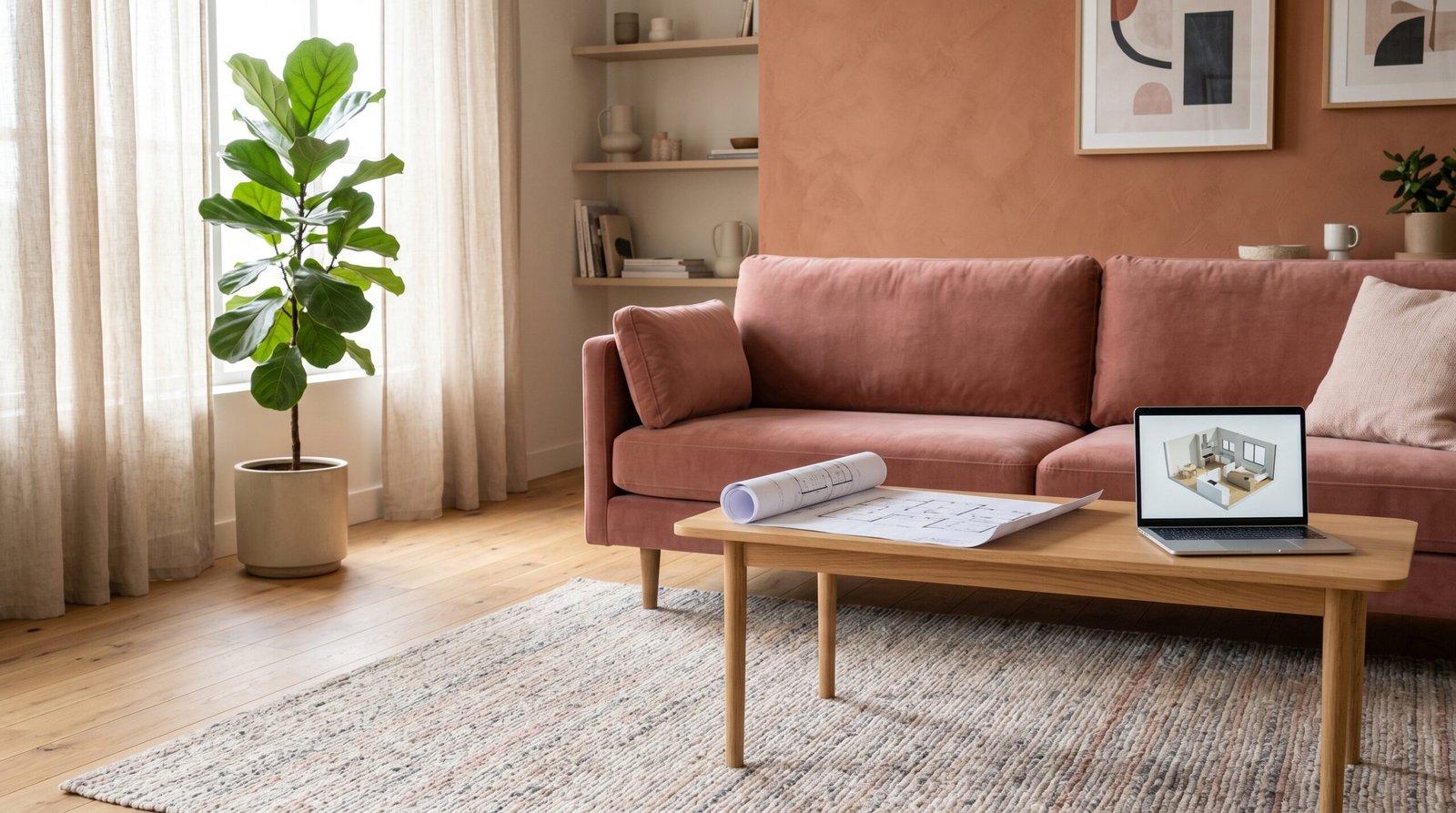
When Your Living Room Finally Matches the Vision in Your Head: The 3D Warehouse Guide That Changes Everything
You know that feeling — you’ve rearranged your living room furniture for the fourth time in two months, and somehow it still doesn’t feel right. What if there was a way to see your dream space before moving a single couch?
—
1. What Is a 3D Warehouse and Why Every Living Room Dreamer Needs to Know About It
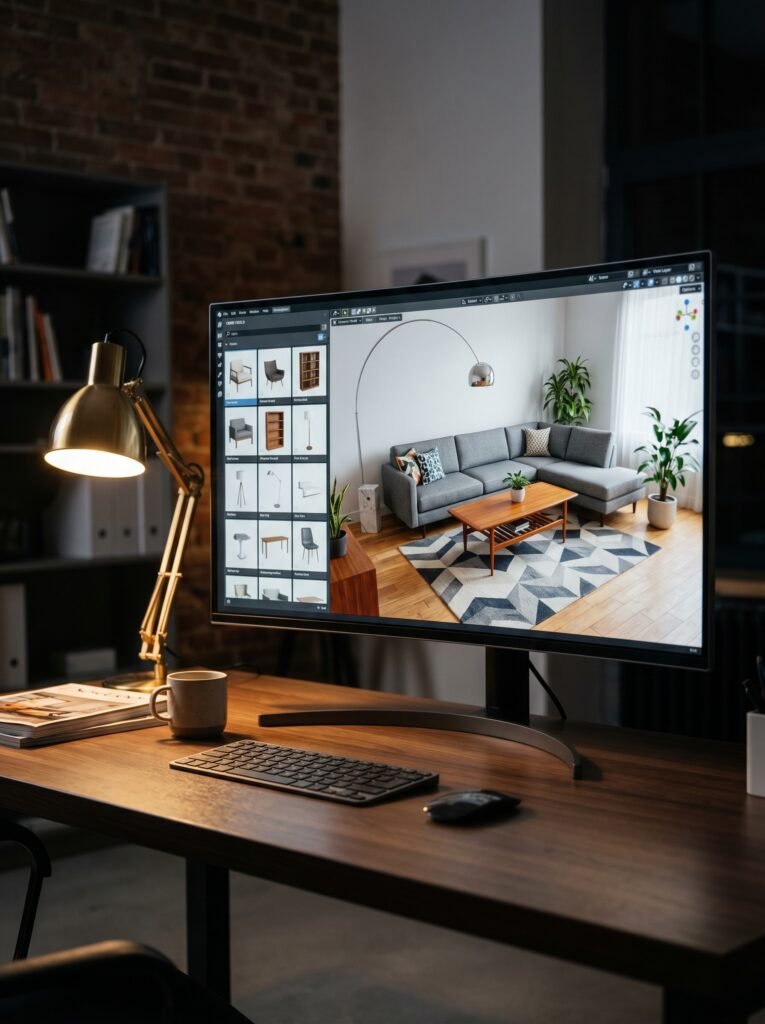
Let’s start at the very beginning, because this is one of those topics that sounds technical on the surface but is actually one of the most exciting tools a home decorator can discover. A 3D warehouse — most commonly associated with SketchUp’s massive online model library — is essentially a free, searchable database of three-dimensional objects, furniture pieces, architectural elements, and room components that you can drop directly into a digital version of your living room.
Think of it as the world’s most generous furniture showroom, except it lives entirely on your screen, costs nothing to browse, and allows you to place a mid-century modern sofa next to a Scandinavian coffee table in seconds without calling a delivery truck.
“The best living room redesigns don’t start with a shopping cart — they start with a vision rendered in three dimensions.”
For Pinterest bloggers, interior design enthusiasts, and anyone who has ever stood in the middle of their living room with a measuring tape wondering if that sectional will actually fit — the 3D warehouse is nothing short of a revelation. It bridges the gap between the beautiful rooms you pin on Saturday afternoons and the actual, physical space you come home to every evening.
—
2. The Emotional Cost of Getting Your Living Room Wrong (And How 3D Design Fixes It)
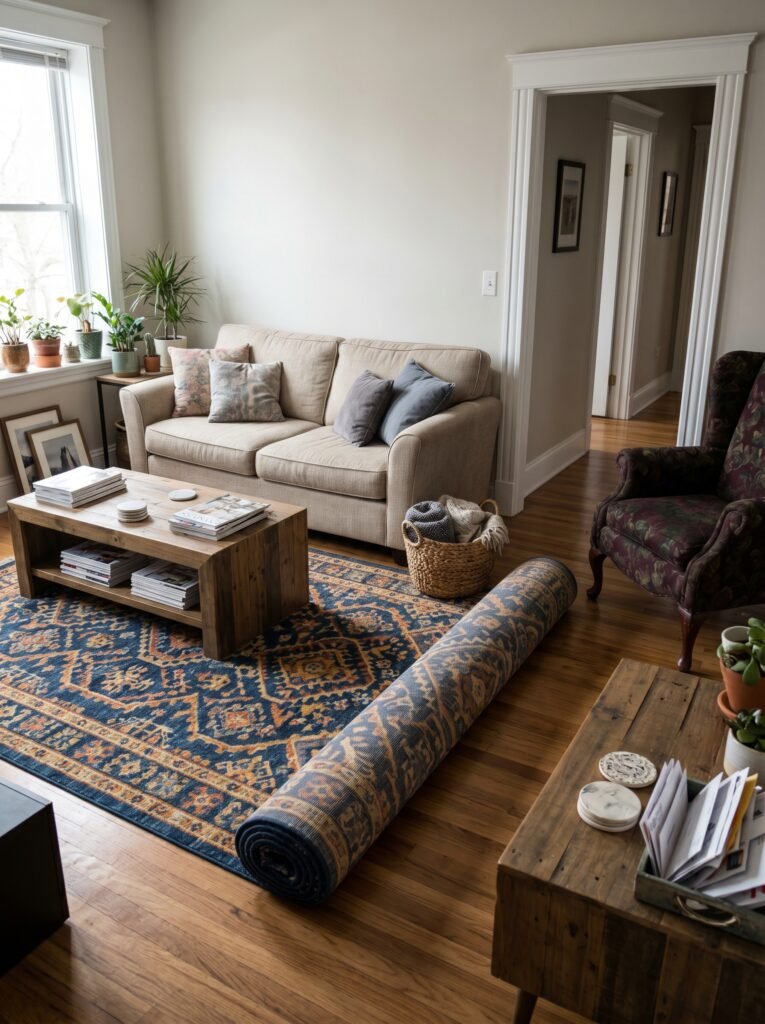
Here’s something nobody talks about enough: decorating mistakes are expensive — not just financially, but emotionally. There’s a particular kind of exhaustion that comes from purchasing a rug that looked perfect online, only to unroll it and realize it makes your living room feel like a dentist’s waiting room. Or buying a statement armchair that physically cannot navigate the turn in your hallway.
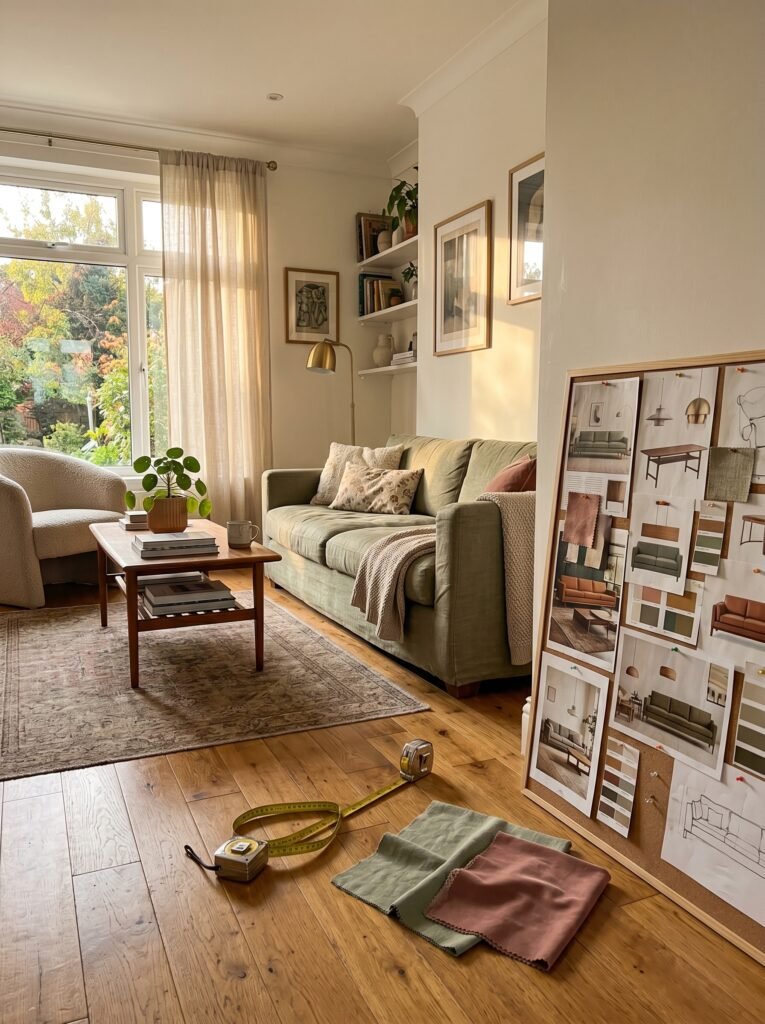
These experiences erode confidence. They make people afraid to invest in their spaces, so they settle for “good enough” for years. The 3D warehouse approach dismantles that fear entirely by letting you make every mistake virtually, where mistakes cost nothing. You can try the deep emerald sofa against the warm terracotta wall, decide it’s too intense, swap it out for a dusty rose alternative, and pivot to a sage green option — all in one afternoon, all without spending a single dollar.
That creative freedom changes the emotional relationship people have with their own homes.
—
3. SketchUp and the 3D Warehouse: Understanding the Relationship
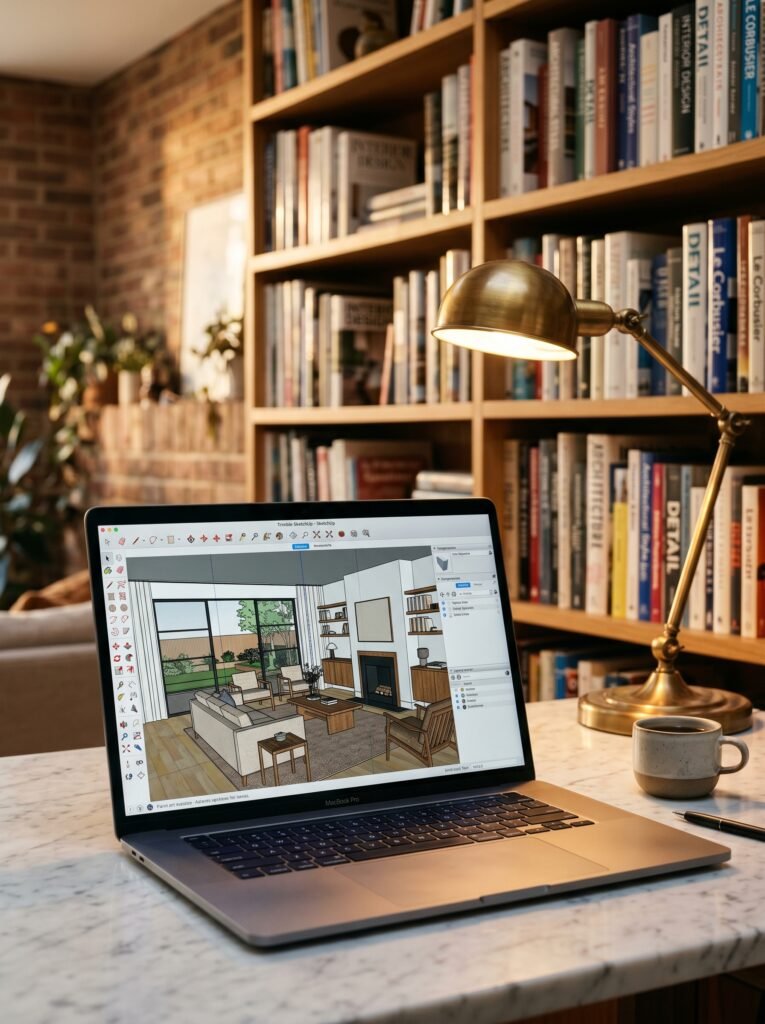
SketchUp is the design software most commonly associated with 3D Warehouse, and for good reason — the company built the warehouse as a companion resource for SketchUp users. However, the library has grown so expansive and the community so robust that it has become a design tool in its own right, referenced by interior designers, architects, furniture makers, and passionate home enthusiasts worldwide.
The free version of SketchUp, SketchUp Free, runs entirely in your browser. You don’t need a powerful computer, you don’t need a design degree, and you don’t need to spend a single cent to begin exploring. You create an account, open a new project, and start building a digital version of your living room by inputting your actual wall measurements. From there, you access the 3D Warehouse directly within the software and begin populating your space with furniture, lighting, decor objects, and architectural details.
The library currently holds millions of models. Sofas, sectionals, coffee tables, bookshelves, pendant lights, fireplaces, area rugs, throw pillows, curtain panels — if it exists in a living room, someone has almost certainly modeled it and uploaded it for the community to use.
—
4. How to Build Your Living Room in the 3D Warehouse: A Beginner’s Honest Walkthrough
Let’s walk through this the way a friend who does this regularly would explain it — not as a technical manual, but as a real conversation. First, grab your measuring tape and note down the length and width of your living room floor, plus the ceiling height. Note where your windows are, how wide the doorways are, and where any fixed elements like a fireplace or built-in shelving live.
Open SketchUp Free in your browser. Start with a simple rectangular floor plan using those measurements. Pull up the walls, add window openings, mark your doorway. At this point, your living room looks like an empty beige box — and that’s perfect. That empty box is full of possibility.
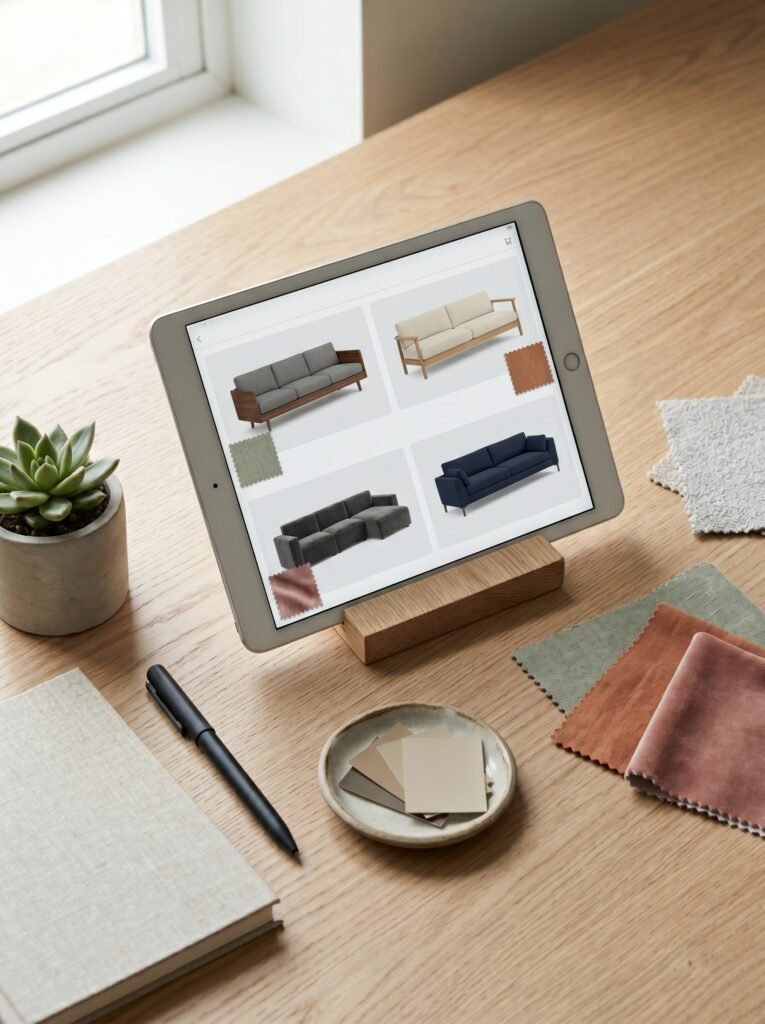
Now open the 3D Warehouse panel within SketchUp. Search for your sofa style. If you love a tuxedo sofa, type it in. If you’re chasing a Restoration Hardware look, search for “modular sectional.” When you find a model you like, click to insert it into your scene. Move it around. Rotate it. Try it against different walls.
The learning curve is gentler than most people expect. Within an hour, most beginners have a furnishable digital living room taking shape on their screen.
—
5. The Hidden Design Intelligence Inside a Good 3D Floor Plan
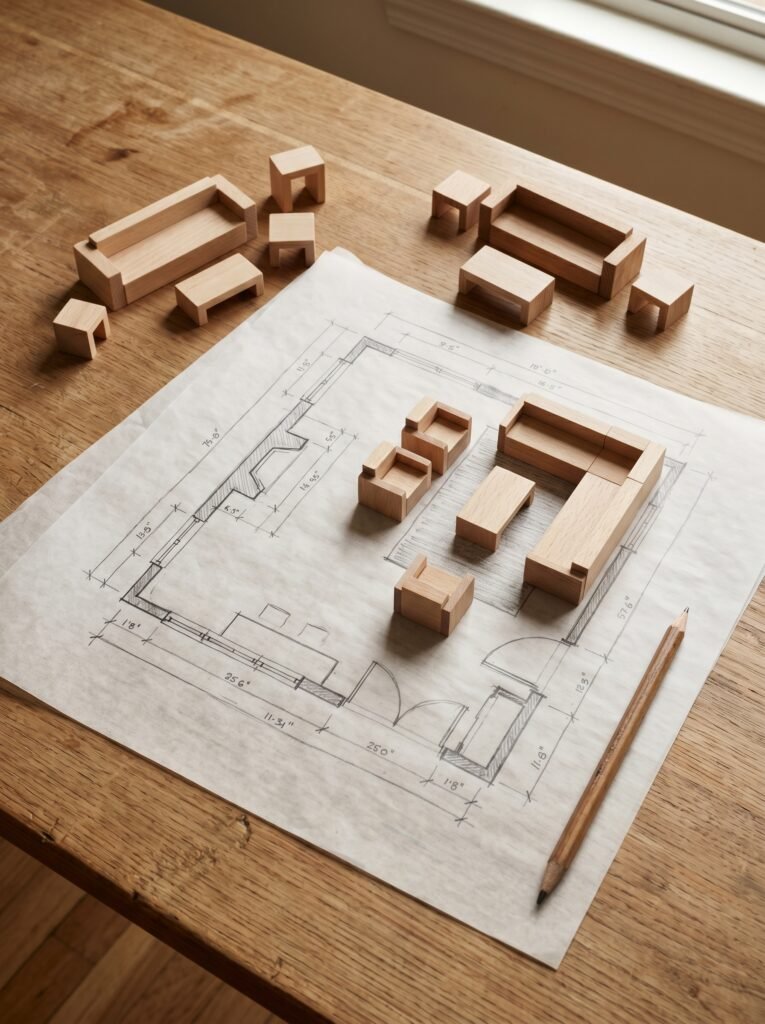
Here’s what surprises most people when they commit to this process: you don’t just discover whether furniture fits — you discover how you actually want to live in a space. When you place your sofa and then try to position a coffee table in front of it, you start thinking about reach. Can you comfortably lean forward and pick up a mug? Is there enough room to walk between the coffee table and the TV console?
“A floor plan doesn’t just show you what fits — it shows you how you’ll feel standing in a room that doesn’t exist yet.”
These aren’t things most people think about consciously when they’re shopping online at midnight. But when you’re literally moving virtual furniture around a scaled model of your actual living room, these functional insights surface organically. You might discover you’ve been placing your sofa too close to the TV for years, or that rotating your entire furniture arrangement by 45 degrees creates a conversation nook that your current layout completely ignores.
This is why interior designers charge what they charge — they hold spatial intelligence that most homeowners haven’t had a way to develop until tools like this came along.
—
6. Free Models vs. Premium Models: What You’ll Find in the 3D Warehouse

The 3D Warehouse operates on a community contribution model, which means the quality of available objects varies considerably. Some models are photorealistic, dimensionally accurate, and beautifully detailed — often uploaded by furniture brands themselves or professional designers who want their work visible. IKEA, for example, has been known to have well-modeled pieces available through the warehouse ecosystem, and many high-end furniture brands have contributed accurate models of their actual product lines.
Other models are rougher — blocky approximations of furniture styles rather than specific pieces. These still serve an excellent purpose for understanding scale and flow, even if they won’t win any beauty contests in a rendered scene.
For most living room planning purposes, the free community models are entirely sufficient. You’re building a spatial understanding of your room, not producing an architectural rendering for a magazine shoot. The goal is clarity, not perfection.
—
7. Color Psychology in Your 3D Living Room: Testing Palettes Virtually
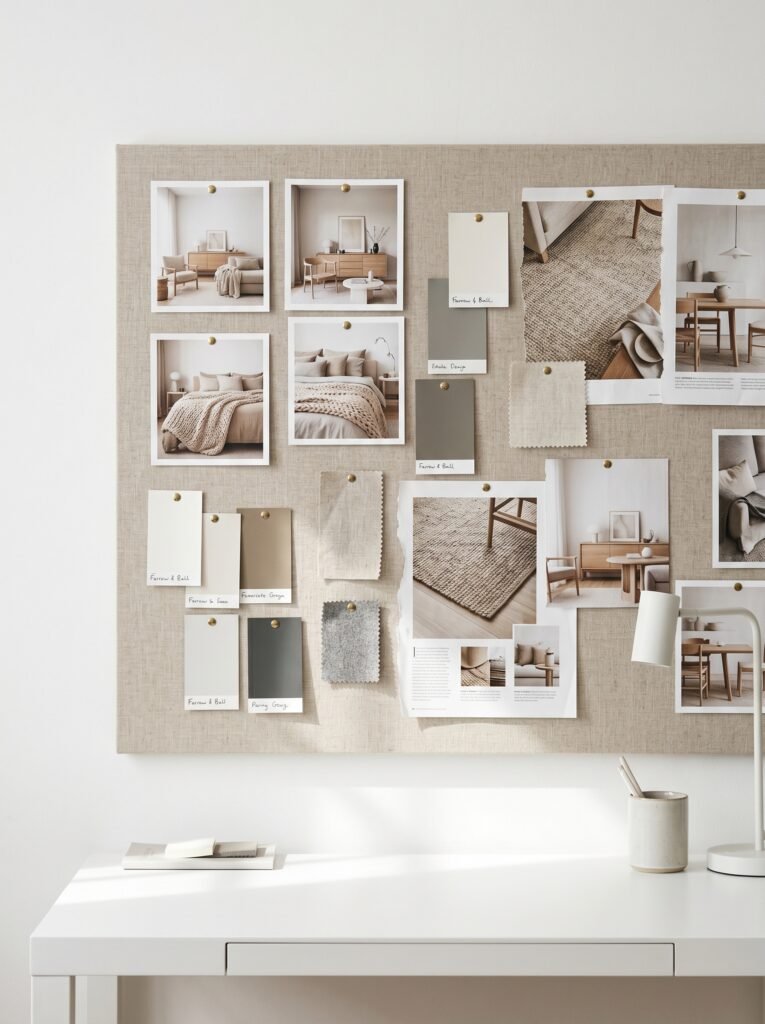
One of the most valuable things the 3D warehouse workflow enables — beyond furniture arrangement — is the ability to experiment with color without commitment. Because you’re working in a digital environment, you can paint your living room walls any shade you can imagine, apply material textures to floors, and change upholstery colors on your virtual furniture pieces.
This matters enormously because color psychology plays a profound role in how a living room feels to inhabit. Warm neutrals like warm whites, creamy ivories, and gentle taupes tend to create rooms that feel embracing and comfortable — the kind of space where people linger over conversation long after dinner. Cooler tones — sophisticated grays, pale blues, soft greens — create a sense of quiet and calm that works beautifully in living rooms used for reading or unwinding.
Testing these combinations virtually, within the actual proportions of your living room and alongside the furniture pieces you’re considering, gives you a level of color confidence that paint swatches alone can never provide.
—
8. Lighting Matters More Than Furniture: Using 3D Models to Plan Your Layers
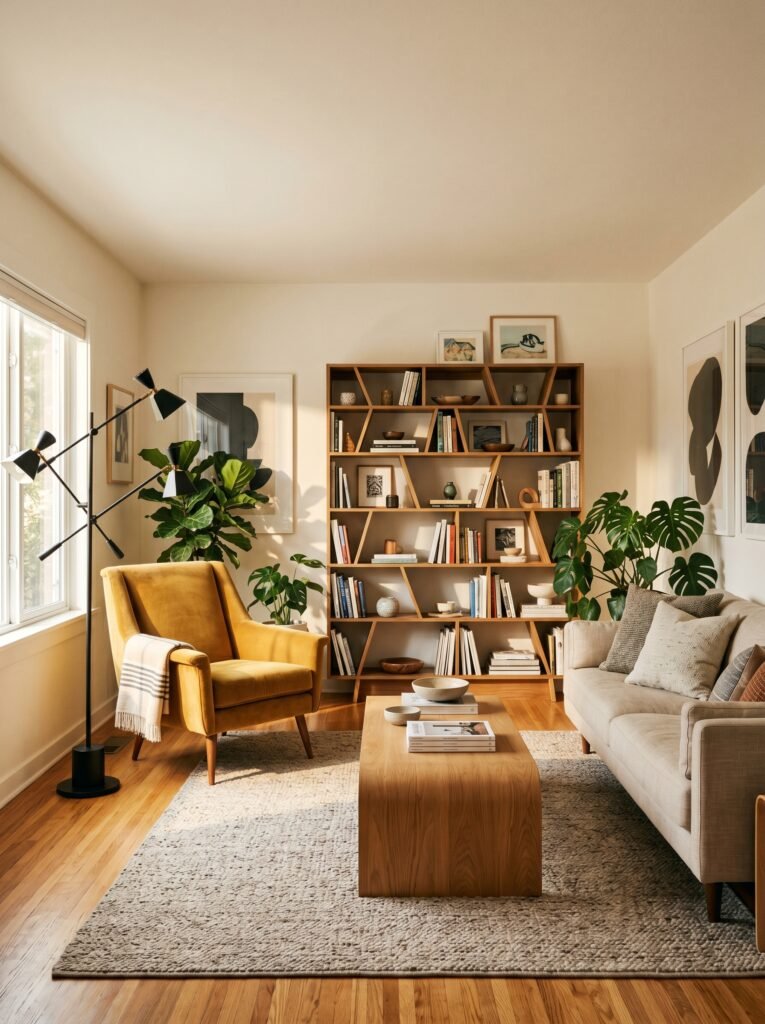
Ask any professional interior designer what single element transforms a living room most dramatically, and the answer is almost always lighting. Not furniture. Not color. Lighting. And the 3D warehouse is extraordinarily useful here because lighting objects — floor lamps, pendant lights, sconces, table lamps — are widely available in the model library.
Placing virtual lighting in your 3D living room teaches you something crucial: where the dark corners are. Every living room has them. The corner behind the reading chair that nobody ever thought to illuminate. The space beside the fireplace that always feels slightly gloomy after sunset. When you can see your living room as a complete, three-dimensional space and identify these shadow zones, you can plan your lighting layers intentionally.
The goal is always three layers: ambient lighting that fills the room generally, task lighting for specific activities like reading, and accent lighting that highlights art, architectural features, or beloved objects. Planning all three layers virtually before buying a single fixture is the kind of forethought that separates rooms that feel designed from rooms that feel assembled.
—
9. Small Living Rooms and the 3D Warehouse: Where This Tool Becomes Truly Life-Changing
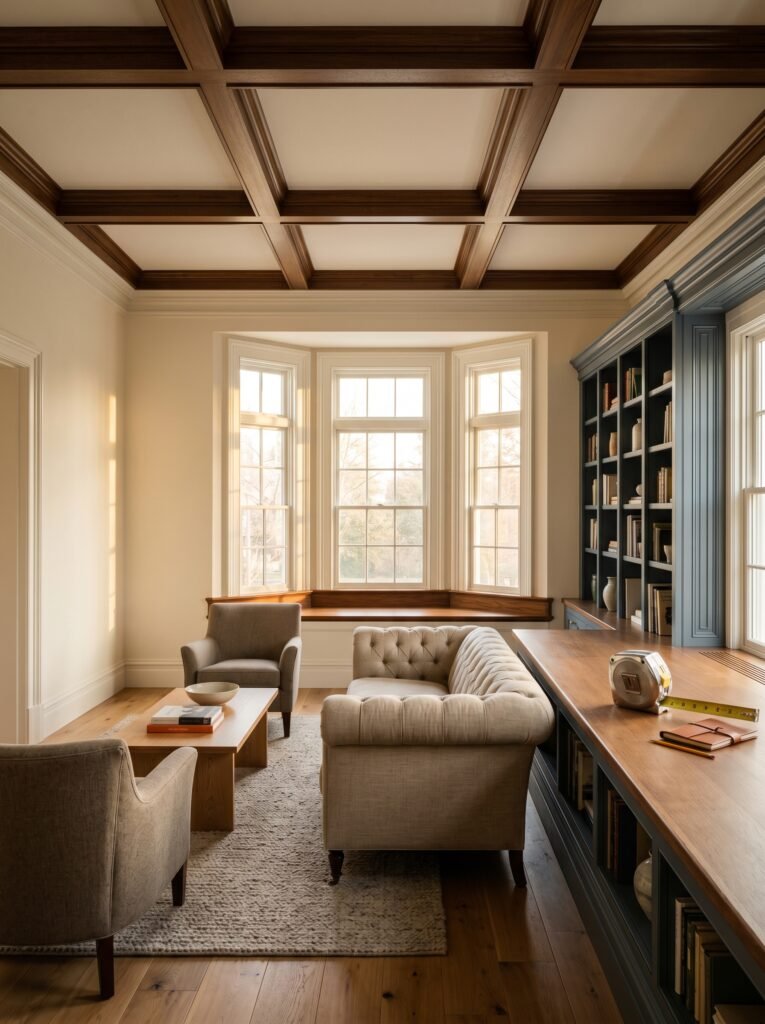
If you have a small living room — and so many of us do, whether in urban apartments, older homes, or compact new builds — the 3D warehouse workflow doesn’t just help. It fundamentally changes what’s possible. Small spaces are notoriously unforgiving of spatial miscalculations. One oversized sofa and the whole room loses its breath. One poorly placed coffee table and suddenly the walking paths feel like an obstacle course.
“Small rooms don’t need less furniture — they need smarter furniture, placed with surgical precision.”
In a compact 3D living room model, you can test whether a loveseat serves the space better than a full sofa. You can explore whether floating furniture away from the walls — counterintuitive as it feels — actually opens the room up visually. You can experiment with the increasingly popular apartment trend of using a single large sofa pushed against the longest wall, with a pair of accent chairs placed opposite, creating a formal conversation arrangement that feels surprisingly spacious.
None of these discoveries require you to move real furniture or buy anything. They require only curiosity and a willingness to play in a digital sandbox.
—
10. How Interior Designers Actually Use 3D Warehouse in Their Professional Practice
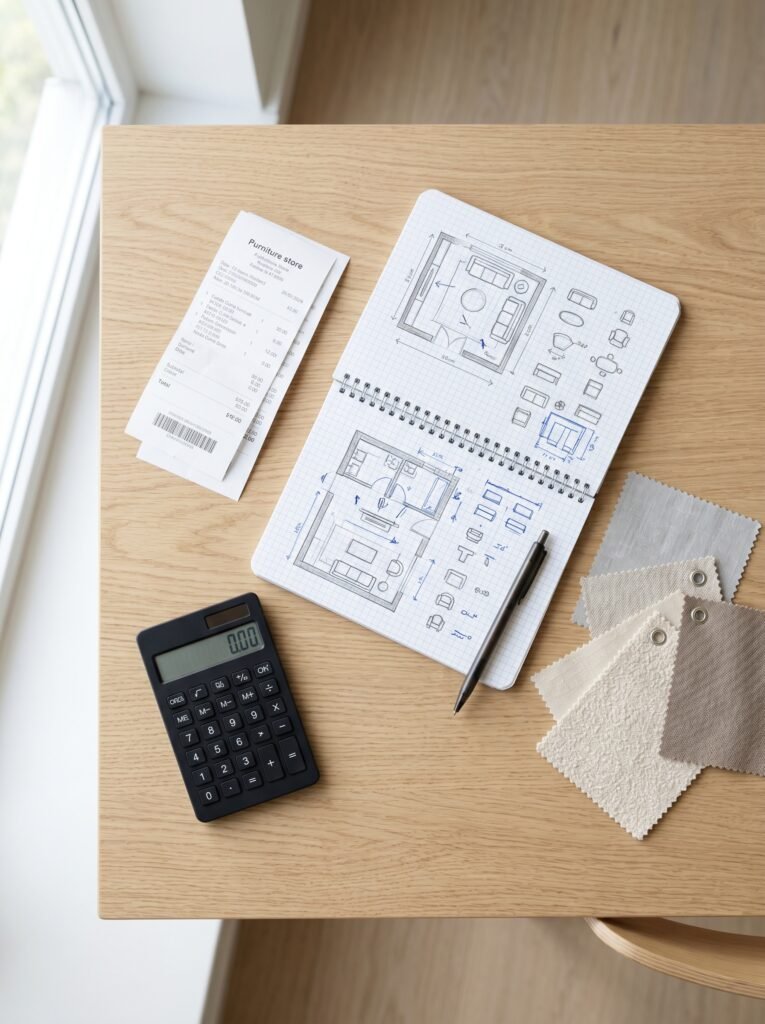
It’s worth pulling back the curtain on professional practice for a moment, because understanding how designers use these tools validates why homeowners should use them too. Interior designers working on residential projects — particularly living room renovations and full home redesigns — routinely use SketchUp combined with the 3D Warehouse to create client presentations.
They build an accurate digital model of the existing space, populate it with proposed furniture from the warehouse library, apply material and color finishes, and then render the scene to produce images that show clients exactly what their finished living room will look like. This process, which once required expensive specialist software and years of technical training, is now accessible to anyone with an internet connection and an afternoon to learn the basics.
For Pinterest bloggers specifically, this workflow is a content goldmine. Building a digital living room concept, rendering it, and sharing the before-and-after design process makes for deeply engaging, highly saveable content — the kind that earns followers and drives traffic for months.
—
11. Pinterest-Worthy 3D Living Room Concepts That Are Trending Right Now
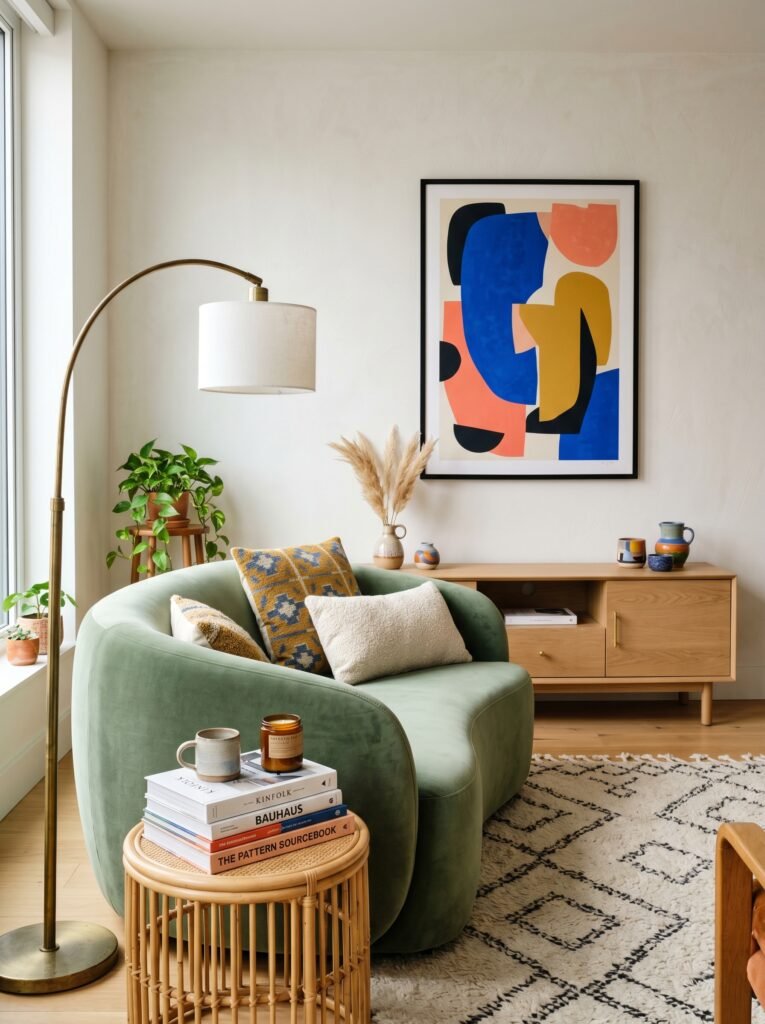
The visual nature of Pinterest means that 3D-rendered living room concepts perform exceptionally well on the platform — they’re clean, aspirational, detailed, and immediately inspiring. Based on what’s resonating in the interior design community heading into the current design cycle, several living room aesthetics are particularly compelling when presented through 3D visualization.
The warm minimalist living room — characterized by clean lines, warm wood tones, textured natural fabrics, and a curated selection of organic objects — photographs beautifully in 3D renders and consistently generates strong save rates. The moody maximalist living room, with deep jewel-toned walls, layered vintage rugs, and abundant plants and books, is equally powerful as a concept visualization. The transitional living room that blends contemporary clean lines with traditional warmth sits in an eternally popular middle ground that appeals to a wide audience.
When you build these concepts in the 3D warehouse, take screenshots from multiple angles. The bird’s-eye view shows the floor plan logic. The eye-level perspective shows the emotional atmosphere. Both are valuable content pieces for your audience.
—
12. From Digital Room to Real Room: Making the Translation Successfully
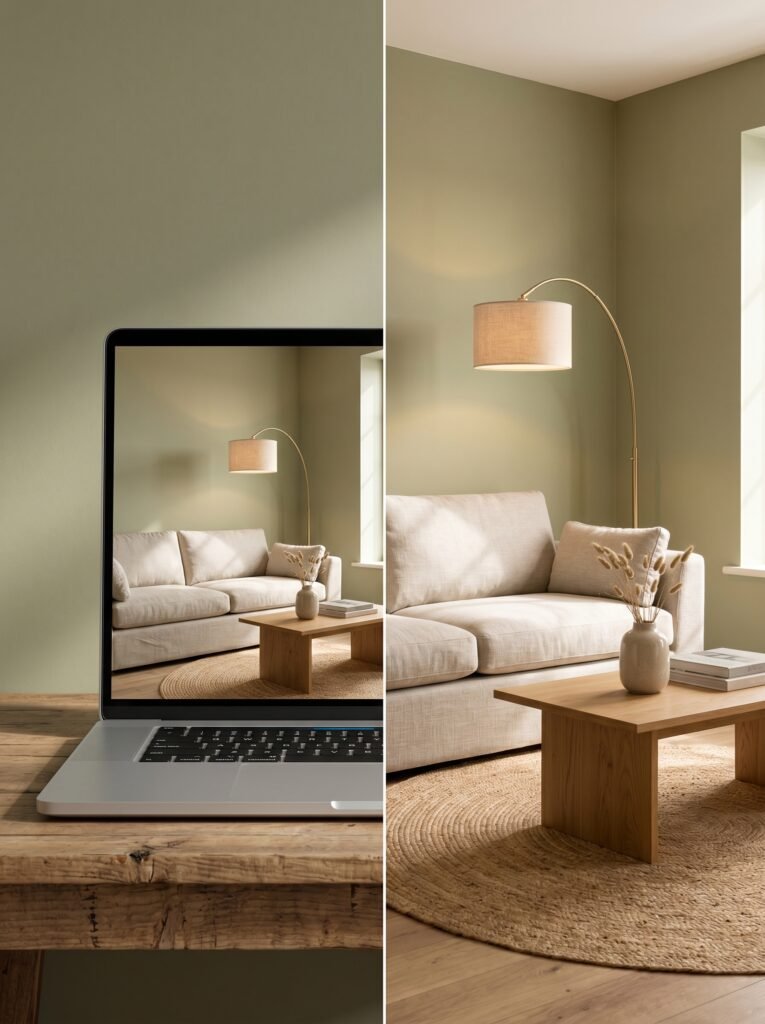
The final step — and arguably the most important one — is translating your 3D living room vision into reality with accuracy and intention. Once you have a digital version of your living room that genuinely excites you, you have something invaluable: a shopping list grounded in spatial reality rather than wishful thinking.
You know the exact dimensions of sofa that fits your space. You know which wall your accent chair needs to occupy. You know where you need a floor lamp and roughly what scale it needs to be. You know your color palette, your material direction, and your lighting strategy. Shopping from this position of knowledge is a completely different experience from scrolling endlessly through online furniture stores hoping something feels right.
It also makes budgeting more strategic. When you can see exactly what pieces your living room needs — rather than guessing and impulse-buying — you can prioritize where to invest and where to economize with much greater confidence.
—
🌿 How to Get Started with 3D Warehouse for Your Living Room
Starting is simpler than it seems, and beginning with the right habits makes the whole experience more rewarding. Measure your living room precisely before opening any software — accurate dimensions are the foundation of a useful model. Don’t feel pressure to model every detail immediately; start with your largest pieces (sofa, coffee table, TV console) and build from there. Explore the 3D Warehouse search with specific terms rather than broad ones — “mid-century sectional” will serve you better than just “sofa.” Save multiple versions of your design as you experiment, so you can compare options side by side rather than trying to remember what an earlier arrangement looked like. And allow yourself to genuinely play — the best discoveries in this process come from the unexpected combinations you stumble upon when you’re willing to try something that shouldn’t work.
—
❓ FAQ
Q: Is SketchUp’s 3D Warehouse completely free to use? A: The 3D Warehouse itself is free to browse and download models from, and SketchUp Free — the browser-based version of the software — is also free to use. Premium SketchUp subscriptions offer additional features like higher rendering quality and advanced tools, but for living room planning purposes, the free tier is genuinely sufficient for most people.
Q: Do I need any design experience to use 3D warehouse tools for my living room? A: No formal design experience is needed. SketchUp Free is designed to be accessible to beginners, and there’s an enormous library of tutorial videos available for free on YouTube that can take someone from complete beginner to competent living room modeler in just a few hours of practice. The interface is more intuitive than most people expect.
Q: Can I find furniture models from specific real-life brands in the 3D Warehouse? A: Yes, many furniture brands — particularly larger manufacturers and some well-known retailers — have uploaded accurate models of their products to the 3D Warehouse. However, coverage varies, and not every piece you might be considering will be available. For pieces without an exact model, searching for a similar style and approximate dimension gives you a functionally useful proxy for your spatial planning.
—
💭 Final Thought
There’s something quietly powerful about standing in your living room after you’ve finished decorating it — when everything is finally where it belongs and the space feels like an honest reflection of who you are. The 3D warehouse is one of the most accessible tools available to help more people reach that feeling with less frustration, less wasted money, and far more creative confidence. Your living room already exists perfectly somewhere — in the version of it that lives in your imagination. The only question is: what would happen if you actually gave that vision the space to become real?